Online Tools

Explore Our Online Tools

Image Enhancer

Enhance the quality of your images instantly.

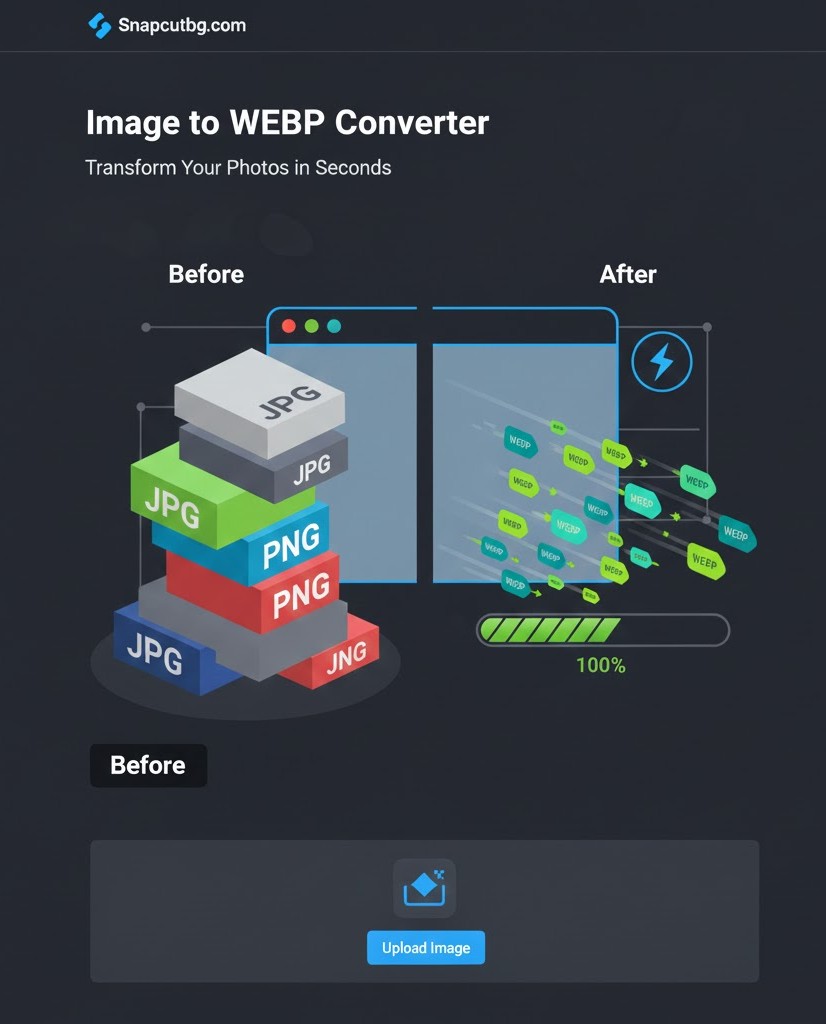
Image to WebP

Convert your image to WebP format.

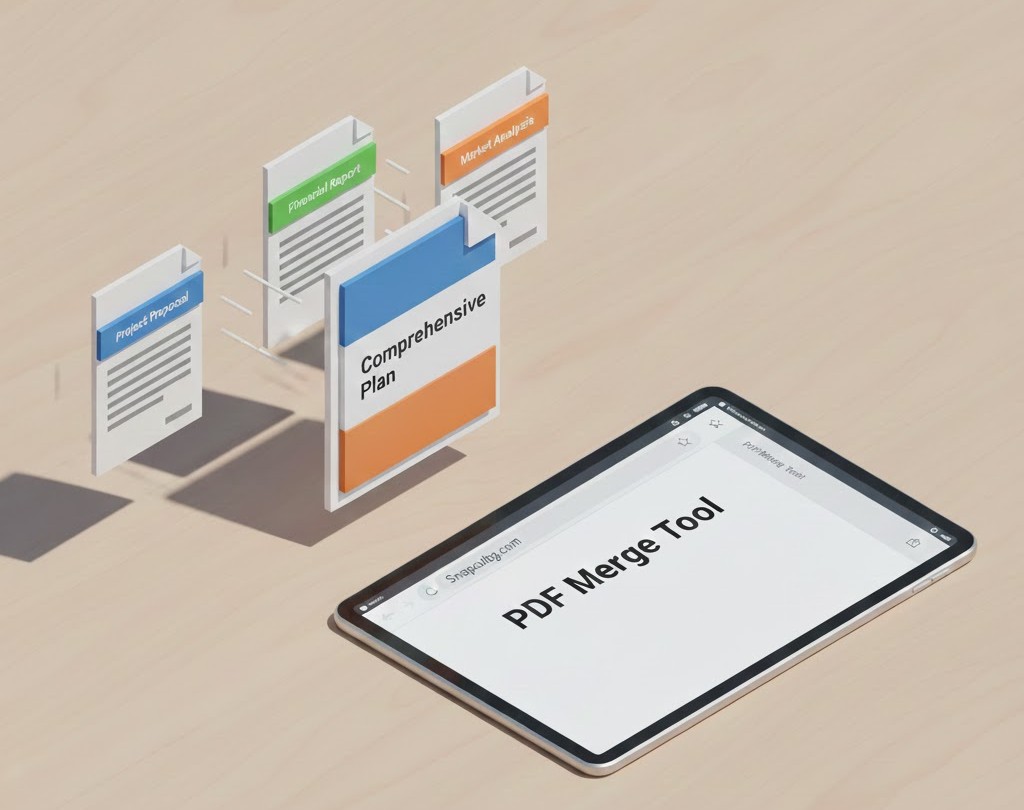
PDF Merge

Merge multiple PDFs into one document.

PDF to Image

Convert PDF pages into high-quality images.

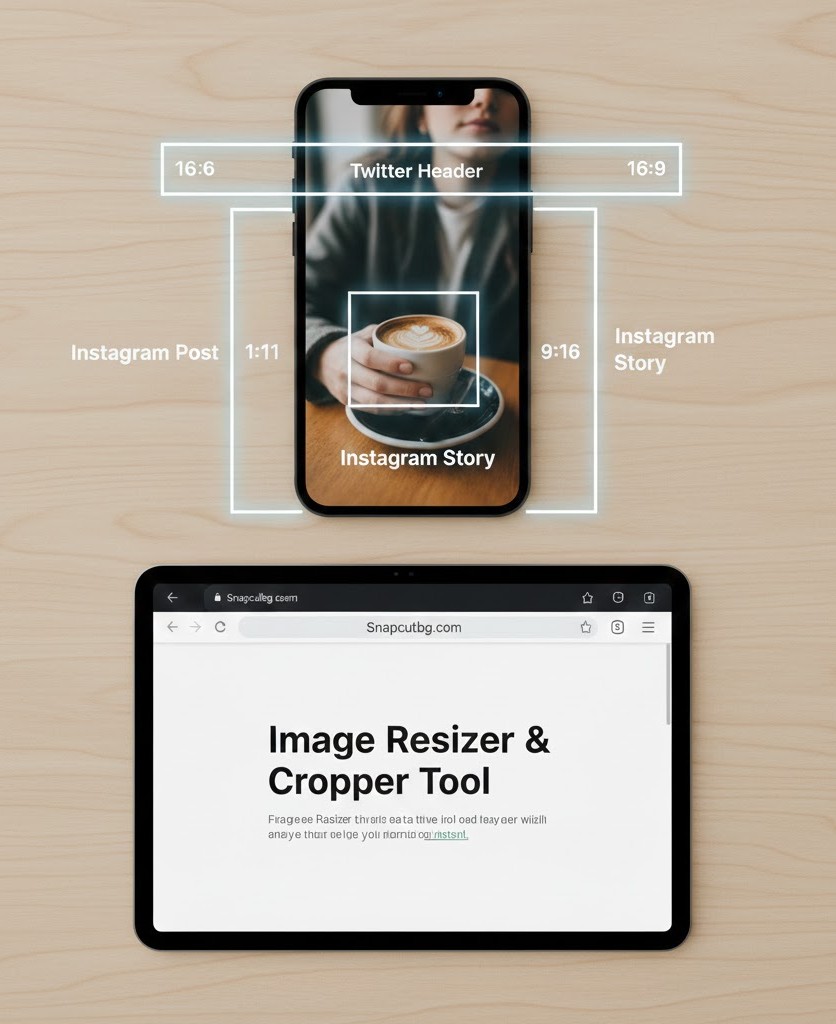
Image Resizer

Resize images for social media and custom sizes.

Passport Photo Resizer

Create passport-size photos with correct dimensions.

Free Online Image Editor: Your All-in-One Solution for Image & PDF Tasks

Welcome to your new, comprehensive online image editor. This complete suite provides a free editor with six essential tools for ecommerce image optimizationsocial media resizing, and professional document tasks—all with no watermark and no signup required. Whether you need a passport photo maker for official documents, a PDF merger for your business files, or a WebP converter to speed up your website, this hub delivers high quality results directly in your browser. As a versatile and mobile friendly online image editor, we eliminate complex software by putting professional-grade editing at your fingertips.

Complete Toolkit, Explained

This platform is your simple interface for a multitude of tasks. Each tool is designed for a specific, high-demand purpose, ensuring professional outcomes without cost.

1. AI Image Enhancer:

More than a simple filter, this tool acts as your portrait editor and product photo editor. It performs automatic color correctionbrightness fixes, and noise reduction to upscale images and fix pixelation, transforming dark or blurry photos into crisp visuals perfect for professional headshots or blog images.

ai photo enhancer, Terms of Service Template Free, Ultimate Free Online Image Editor

2. Image to WEBP Converter:

A crucial tool for web efficiency, this fast converter transforms your JPEGs and PNGs into next-generation WebP files. It’s an essential image compressor for anyone creating website graphics or YouTube thumbnails, maintaining quality while reducing load times.

JPG to WEBP converter, Terms of Service Template Free

3. PDF Merger:

Streamline your digital paperwork. This tool allows you to combine multiple documents into one organized file—ideal for compiling reports, invoices, or creating portfolios.

4. PDF to Image Converter:

  1. Extract any page as a JPG or PNG. This document to image tool is perfect for turning presentation slides into shareable social media graphics or capturing content for use in other projects.
PDF to JPG converter

5. Image Resizer & Photo Cropper:

Precisely tailor visuals for any platform. Use presets or custom dimensions to create the perfect Facebook coverInstagram story crop, Twitter header, or Pinterest pin. Lock the aspect ratio for professional results every time.

JPG to WEBP converter

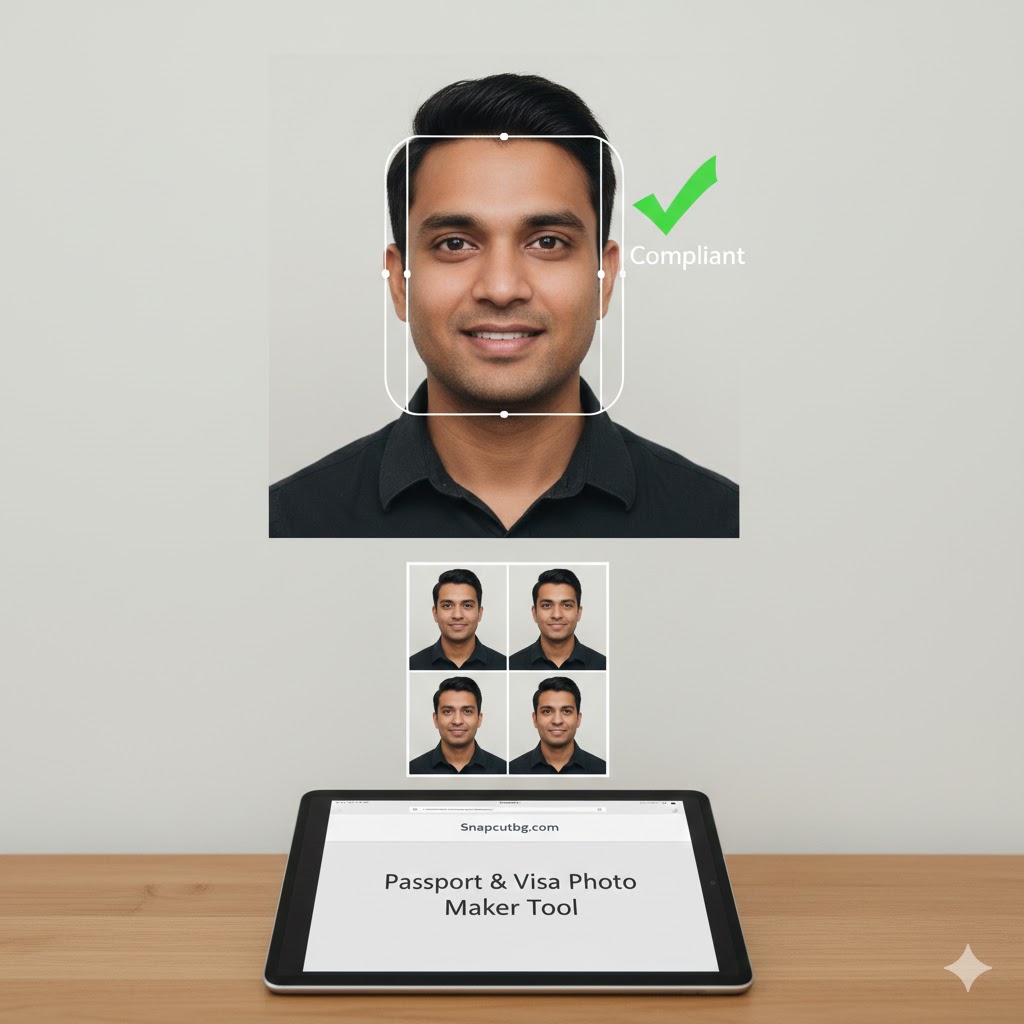
6. Passport & Visa Photo Maker:

This dedicated tool removes the guesswork from creating official photos for IDs, resumes, and CV pictures. It automatically formats your portrait to government photo lab specs, ensuring compliance for your visa photo or ID photo application.

passport photo maker online

Optimize Your Workflow with a Free Online Image Editor

Choosing this integrated online image editor saves you from juggling multiple websites. Every tool offers secure upload and cloud processing, ensuring your files are handled with privacy safe protocols. There are no watermarksno downloads required, and you maintain full ownership. This drag & drop environment supports batch processing for efficiency, making it the ideal remove.bg alternative and transparent PNG maker for ecommerce and design needs.

Frequently Asked Questions (FAQ)

Q1: Is this online image editor truly free for all tools?
A: Yes. Every tool is completely free with no watermarks and no signup required. You get high quality outputs for tasks like background removal or creating a transparent background without any cost.

Q2: What are the file limits for the batch editor and image compressor?
A: We have reasonable file size limits to ensure smooth cloud processing for all users. These limits are clearly displayed on each tool’s page and are sufficient for most common tasks, including social media preparation and document to image conversion.

Q3: How do you protect my data during secure upload?
A: Your privacy is paramount. All files are privacy safe; we use secure upload protocols and automatically delete files from our servers after processing. We do not store, share, or claim ownership of your product photos or documents.

Q4: Can I use these tools on my phone?
A: Absolutely. Our website is fully responsive and mobile friendly, so the entire online image editor suite works perfectly on any smartphone or tablet through your browser.

Q5: Can I edit multiple photos at once?
A: Select tools, like our image resizer and WebP converter, support batch processing, allowing you to batch edit multiple files simultaneously to save time.

Further Learning and Resources

To deepen your understanding of image formats and editing principles, you can explore these authoritative, non-competitive resources:

Optimized Meta Description:

Free online image editor & PDF tool suite. Use our AI photo enhancer, WebP converter, PNG maker, PDF merger, and passport photo maker. Resize for social media (Instagram, Facebook), optimize ecommerce product photos, remove backgrounds, and create transparent PNGs with no watermark. Secure, private, and mobile-friendly batch editing.